
Release Date:
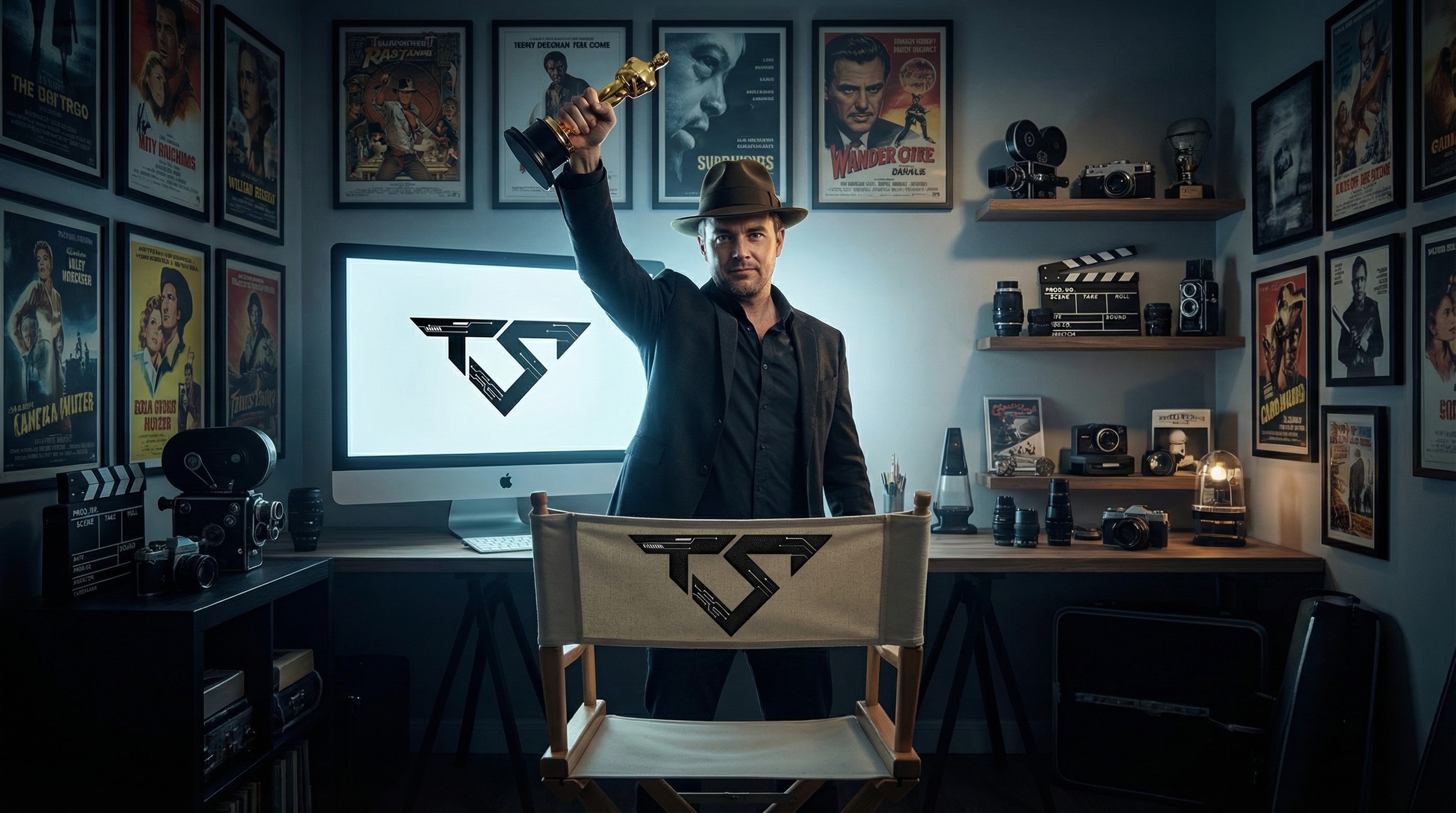
How to Create AI Videos That Actually Look Professional
AI video tools are more powerful than ever. Today almost anyone can generate a video in minutes. But there is a big difference between a video that looks “AI generated” and one that looks like a real professional production.
From our experience creating AI visualizations and marketing videos for brands and real estate projects, the difference usually comes down to several decisions that happen before the video is even generated.
Below are a few principles that separate amateur results from professional ones.
Start With a Clear Visual Concept
Most people jump straight into the AI tool and start prompting.
Professionals start with a concept.
What story are you telling?
What emotion should the viewer feel?
What environment are you trying to create?
When the visual direction is clear, the AI becomes a tool that executes your vision instead of randomly generating images.
Use Real References
AI performs significantly better when it has clear references.
Use architectural plans, real photos, mood boards, or even frames from films that represent the look you want. The more specific your visual references are, the more consistent and believable the result will be.
Without references, AI tends to drift toward generic visuals.
Think Like a Cinematographer
Professional videos feel real because they follow cinematic logic.
Camera movement matters.
Lighting matters.
Lens perspective matters.
Instead of static frames, think in shots: a slow push-in, a street-level walk, or a transition from exterior to interior. These choices create immersion and make the viewer feel like they are actually inside the scene.
Add Life to the Scene
One of the biggest mistakes in AI videos is empty environments.
Real places have movement. People walking, lights inside homes, subtle street activity, and everyday moments. Adding life to the environment transforms a static rendering into something that feels alive.
Sound Is Half the Experience
Many AI creators focus only on visuals, but sound design is just as important.
Voice-over, ambient sound, and music dramatically change how a video is perceived. A well-chosen soundtrack and natural voice-over can elevate a video from generated content to something that feels like a finished production.
Editing Is Where the Magic Happens
Even with strong AI outputs, editing is essential.
Transitions, pacing, color adjustments, and sound balance bring everything together. This stage is where the video stops being a collection of clips and becomes a coherent story.
Final Thought
AI tools are incredibly powerful, but professional results come from creative direction, experience, and attention to detail.
If you're looking to create AI videos that truly stand out, you're always welcome to reach out to us.
At TrendSense we specialize in turning ideas into cinematic AI productions that look and feel like the real thing.
About the Author
Micky Tal is the founder of Trend Sense, a creative digital studio helping businesses and agencies create AI videos, websites, branding systems and digital marketing assets. His background combines sales leadership, marketing strategy, creative production and practical AI implementation for business growth.


